WinTAK vs ATAK vs iTAK: which TAK client do you need?

TL;DR
WinTAK is the Windows version of TAK, the Team Awareness Kit, built to give a laptop or desktop similar functionality to ATAK on Android. Players should run ATAK on Android or iTAK on iPhone, while WinTAK belongs on the game control or HQ laptop. All three are free and can share one TAK network, but a team spread across mobile data needs a TAK server.
Key takeaways
- WinTAK runs on 64-bit Windows 10 and 11; ATAK needs Android 5.0 or later; iTAK needs iOS 17 or later
- All three TAK clients are free from the TAK Product Center or the app stores
- WinTAK suits game control or an HQ laptop, with imagery download tools and plugins
- iTAK has a subset of ATAK's capabilities, so plugin-heavy teams should check before relying on iPhones
- A TAK server is required whenever clients are not on a peer-to-peer network
On this page
WinTAK is the Windows version of TAK, the Team Awareness Kit, built to give a laptop or desktop similar functionality to ATAK on Android.[1][2] If you play, you want ATAK or iTAK on your phone. If you run game control or an HQ tent from a Windows laptop, WinTAK is the client for that screen, and all three can share one TAK network.[3]
Below: what each one runs on, what it costs, what it needs, and which one your team should install first. Every product fact here was checked against official listings in September 2026.
The quick answer
WinTAK is the Team Awareness Kit for Windows, ATAK is the Android app, and iTAK is the version for iPhone and iPad, all listed by the TAK Product Center on tak.gov.[1] They are three clients for one system, split by device.
- ATAK for players with Android phones.
- iTAK for players with iPhones and iPads.
- WinTAK for the laptop at game control, in an HQ tent or on the planning table at home.
According to Wikipedia, WinTAK was developed in conjunction with ATAK to provide similar functionality on the Windows platform.[2] So the question is rarely “which one is best”. It is which device is in whose hands.
In practice, players carry ATAK or iTAK on the phone they already own, and WinTAK sits on the laptop at game control or HQ. Nobody runs a woodland site with a laptop open. If TAK itself is new to you, start with our plain-English guide to what ATAK is and whether an airsoft team needs it.
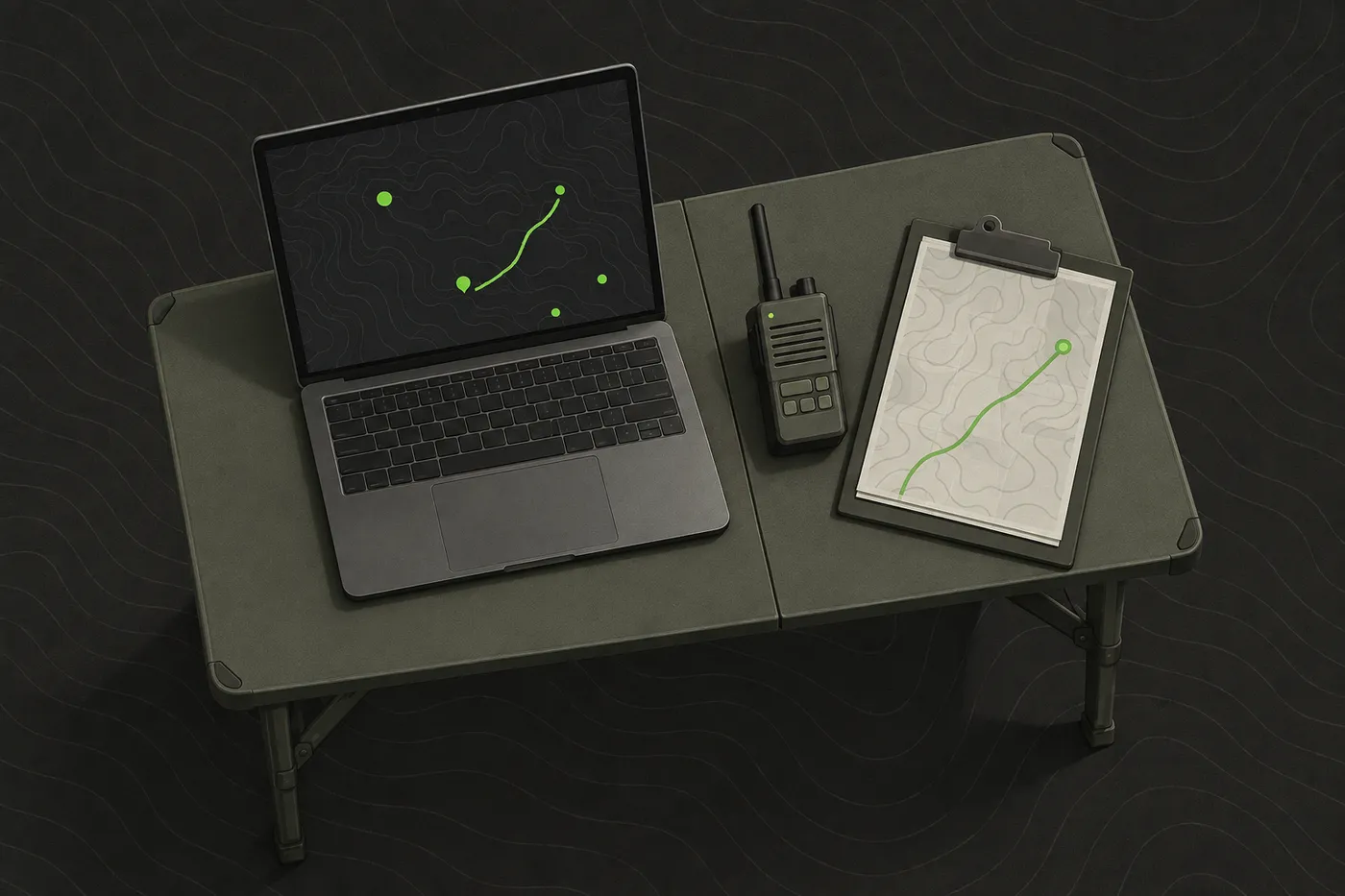
ATAK vs iTAK vs WinTAK at a glance
The TAK Product Center says its baseline TAK software, which includes the Windows version, is available from the US Government at no cost.[1] ATAK-CIV is listed free on Google Play and iTAK is free on the App Store, so price never decides this one.[4][3]
| WinTAK | ATAK | iTAK | |
|---|---|---|---|
| Runs on | 64-bit Windows 10 or 11 | Android 5.0 or later | iPhone and iPad, iOS 17 or later |
| Where to get it | tak.gov products tab | Google Play (ATAK-CIV) | App Store |
| Price | No cost | Free | Free |
| Server required | Only off a peer-to-peer network | Only off a peer-to-peer network | Only off a peer-to-peer network |
| Offline maps | Imagery download tools | Online and offline mapping | Maps download in the app |
| Plugins | Listed on tak.gov | Plugin architecture | Not published |
| Best for | Game control or HQ laptop | Android players at a TAK event | iPhone players at a TAK event |
iTAK’s App Store listing says it is compatible with the wider TAK ecosystem, naming ATAK, WinTAK and TAK Server.[3] That is the whole point of the family: a mixed team can put Android phones, iPhones and a Windows laptop on one map, as long as they share a network or a server.
WinTAK: TAK on a Windows laptop
The platform list on tak.gov shows WinTAK supported on 64-bit Windows 10 and Windows 11, alongside iTAK for iOS and ATAK for Android.[5] The same list has no macOS entry, so if your game control laptop is a MacBook, WinTAK is off the table.[5]
What WinTAK is good at:
- A big map for the person watching. At a 12-hour milsim, game control sees every connected player on a laptop screen instead of squinting at a phone.
- Imagery. CivTAK, the civilian TAK community site, describes WinTAK-Civ as a Windows-based TAK client with advanced imagery download tools.[6] Pull the imagery for your site at home, on proper broadband, days before the event.
- Plugins. The TAK Product Center lists WinTAK plugins for download on tak.gov, next to the civilian WinTAK-CIV release and the military WinTAK-MIL.[1]
- Planning. Drawing the field boundary, respawn points and objectives with a mouse is quicker than doing it with a thumb in a car park.
Its limit at a game is plain: nobody carries a laptop through the trees, so WinTAK serves the person watching the game rather than the player moving through it. Plan its power too. A laptop at a field tent for twelve hours needs mains, a generator or a large power bank, and the battery tends to die at the worst moment of the final push.
tak.gov also lists TAKX, which the TAK Product Center describes as the culmination of two Windows-based platforms, WinTAK and RaptorX, with a new look and feel.[1] Both have civilian releases on that page, with names ending in -CIV.[1] If you are a hobby team, those are the ones to look for.
In short: WinTAK is the desk seat on a TAK network. It is excellent for the organiser or HQ, and irrelevant for the player in the field.
ATAK: the Android original
ATAK-CIV, the civilian edition, is listed free on Google Play and requires an Android device running Android 5.0 or later.[4] It is the original of the three: the TAK Product Center describes iTAK as a subset of its capabilities, and WinTAK was built alongside it.[1][2]
Its Google Play listing includes online and offline mapping, collaborative mapping with points and drawings, and chat with file and photo sharing.[4] Offline maps matter more than new teams expect. Plenty of sites sit in forests or old quarries where signal drops out halfway through a game.
Wikipedia notes that ATAK has a plugin architecture which allows developers to add functionality to the app.[2] That is where much of its depth comes from, and a fair part of its learning curve.
The limit is the platform. On a team of eight you will almost always have a few iPhones, which means a second client and a second set of screens to learn.
For an Android milsim team whose events already run TAK, ATAK is the default choice and the client worth learning properly before game day. Be fair to it: it costs nothing, and it is the fuller of the two phone clients.[1]
iTAK: TAK on iPhone and iPad
iTAK is a free App Store download from the TAK Product Center, and its listing requires iOS 17 or later.[3] Check the older phones on your team the week before the event, while there is still time to borrow a spare.
The TAK Product Center describes iTAK as having a subset of ATAK capabilities, including maps and imagery, overlays, chat, video and situational awareness.[1] For most game-day jobs, that subset covers it. Those jobs are:
- seeing where the rest of the squad is,
- marking an objective or a hazard once for everyone, and
- messaging the team without clogging the radio channel.
iTAK’s App Store listing includes online and offline mapping in most standard formats, with maps downloaded right in the app.[3] As with ATAK, download them at home before you leave for the site.
The limit: it is the lighter client. If your unit leans on a particular ATAK plugin, check that iPhone players have an equivalent before you promise them the same setup.
Which TAK client should you choose?
Choose by device and by role. Then ask whether you need TAK at all.
Choose WinTAK if you run game control, an HQ tent or event planning from a Windows laptop, or you want site imagery prepared on a big screen before the event. It is the seat for whoever watches the whole map from a desk.
Choose ATAK if your players carry Android phones and your event or unit already runs TAK. Pick it too if you want plugins, because that is where ATAK goes furthest. Where ATAK and iTAK differ, ATAK is the fuller of the two.[1]
Choose iTAK if you carry an iPhone or iPad and your team or event is on TAK. You get the core map, markers and chat, even if not every ATAK plugin.
Put simply: choose WinTAK for a game control or HQ laptop, ATAK for Android players at a TAK event, and iTAK for the iPhone players on the same network.
Choose none of them if your group just wants to see each other on one map on Saturday and nobody else at the event runs TAK. That is the case we built Tacnav for: players join a private session by scanning a QR code on iPhone or Android, and an organiser can follow the game from the web command post at app.tac-nav.com on a laptop, with no server to run. It does not connect to TAK, so if your event runs TAK, use the clients above. Tacnav is on the App Store, and Android is in closed beta (request Android access).
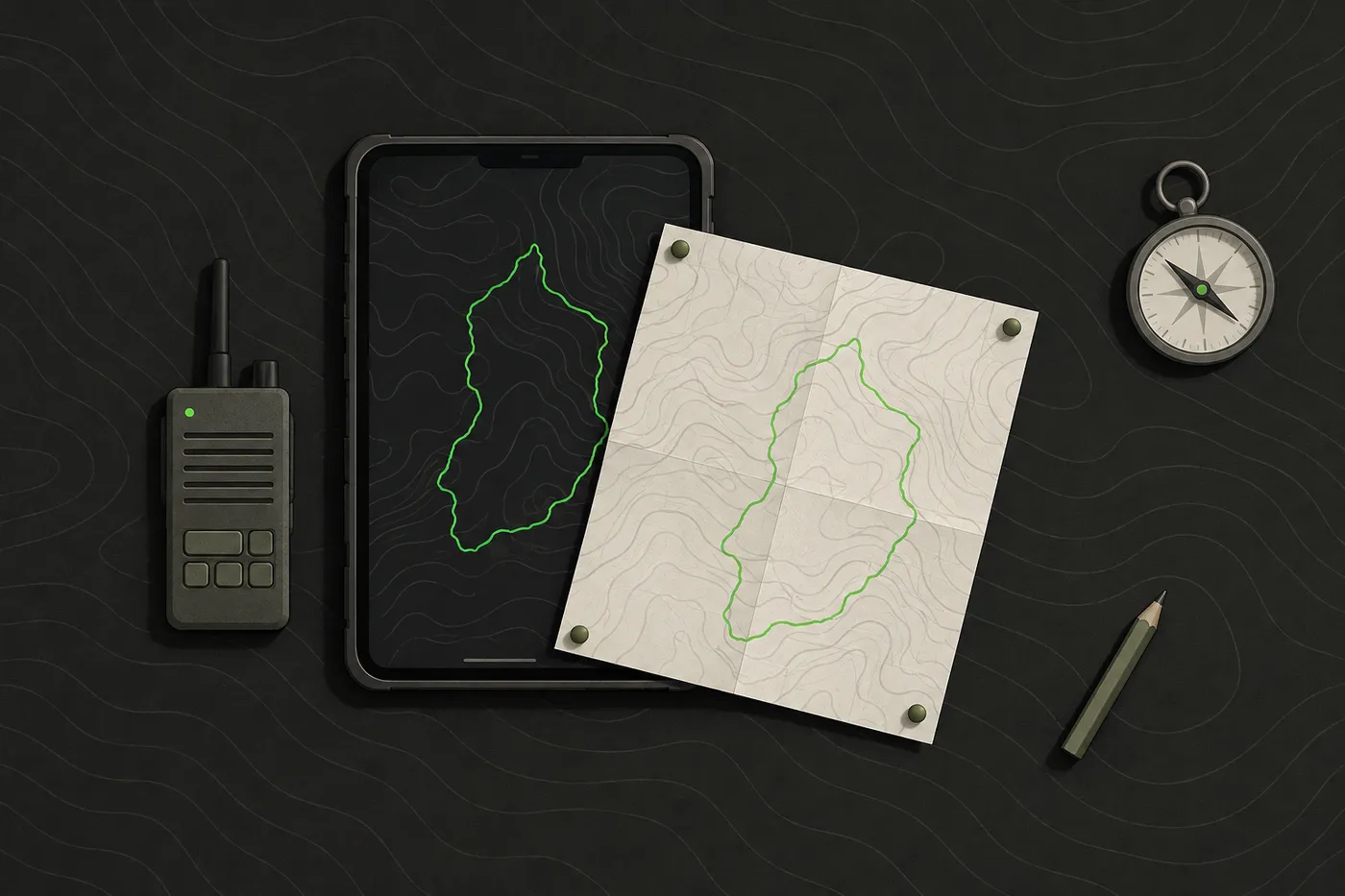
Setup and cost for a team of eight
Take a realistic squad: eight players, five on Android and three on iPhone, plus one Windows laptop at game control. The software costs nothing. The real costs are a server and one person’s evening.
The TAK Product Center says a TAK Server is required whenever TAK clients are not operating in a peer-to-peer network or mission data must be encrypted and stored.[1] At most sites the phones are spread across mobile data rather than sitting on one local network, so plan on a server from the start.
FreeTAKServer serves devices running ATAK-CIV, WinTAK and iTAK, and its documentation includes quick starts for a DigitalOcean cloud server and a Raspberry Pi 4.[7] Someone on the team now owns that server, which makes them part of your comms plan.
Here is the order that works, top to bottom:
- Get the clients: five players install ATAK-CIV from Google Play and three install iTAK from the App Store.[4][3] For the laptop, the tak.gov FAQ says authorized users can download the appropriate TAK executable files and documents from the products tab of the site.[8]
- Stand up the server: one person installs it and shares the connection details with all nine devices.
- Load maps: download offline maps or imagery for the site on every phone and on the laptop.
- Test it: drop a marker on one Android phone and check it appears on an iPhone and on the laptop.
- Brief it: the map is for the game. Safety calls, stop-the-game calls and medical issues still go over the radio and to the marshals, as is the norm at most events.
Budget one evening for one person to set up the server and every device, and test it at home well before the first game.
Bottom line: WinTAK is the right tool when your game control or HQ runs on a Windows laptop and your players already use ATAK or iTAK. For players, match the client to the phone in their pocket. For a group that only needs a shared map for the day, a full TAK setup is more than the job needs.
Disclaimer: This guide is general information for airsoft, milsim and paintball games and for people learning about publicly available TAK software, not military, tactical or legal advice. Follow your field’s and event’s safety rules, marshal instructions and local law. ATAK, iTAK, WinTAK and TAK Server belong to their respective owners; Tacnav is independent, not affiliated with the TAK Product Center, and not compatible with TAK or Cursor on Target. App features and prices change, so check the official listing before you rely on one.
Sources
- TAK.gov | Products. TAK Product Center, accessed Sep 25, 2026.
- Android Team Awareness Kit. Wikipedia, accessed Sep 25, 2026.
- iTAK. App Store, accessed Sep 25, 2026.
- ATAK-CIV (Civil Use). Google Play, accessed Sep 25, 2026.
- TAK.gov. TAK Product Center, accessed Sep 25, 2026.
- TAK Products. CivTAK, accessed Sep 25, 2026.
- FreeTAKServer Documentation. FreeTAKTeam, accessed Sep 25, 2026.
- TAK.gov | FAQ. TAK Product Center, accessed Sep 25, 2026.
Frequently asked questions
What is WinTAK?
WinTAK is the Windows version of TAK, the Team Awareness Kit. It was developed in conjunction with ATAK to provide similar functionality on Windows, and tak.gov lists it as supported on 64-bit Windows 10 and Windows 11.
Is WinTAK free?
Yes. The TAK Product Center says its baseline TAK software, which includes the Windows version, is available from the US Government at no cost. The tak.gov FAQ says authorized users download TAK files from the site's products tab.
Can WinTAK, ATAK and iTAK work together?
Yes. iTAK's App Store listing says it is compatible with the wider TAK ecosystem, naming ATAK, WinTAK and TAK Server, so a mixed team can share one map as long as they share a network or a server.
Is there a Mac version of WinTAK?
No. The platform list on tak.gov shows WinTAK on 64-bit Windows 10 and 11 and has no macOS entry, so a MacBook at game control cannot run it.
Do I need a TAK server to use WinTAK with my team?
The TAK Product Center says a TAK Server is required whenever TAK clients are not operating in a peer-to-peer network. At most airsoft sites phones are on mobile data, so plan on a server such as FreeTAKServer.
Tacnav
Put your whole team on one live map.
Positions, markers, routes and chat in a private session. Join with a QR code, no server to set up.