What is ATAK? A plain-English guide for airsoft and milsim players

TL;DR
ATAK, the Android Team Awareness Kit, is a free map app that puts your whole team on one shared map with markers, routes and chat, and it works with offline maps. It came from the US military and runs on Android, with iTAK as the iPhone equivalent. Airsoft teams that already use TAK should learn it; mixed-phone groups that just want a shared map can use something simpler.
Key takeaways
- ATAK stands for Android Team Awareness Kit, originally built for the US military
- The civilian edition, ATAK-CIV, is listed free on Google Play
- It needs Android 5.0 or later; iPhone users need iTAK instead
- Team sharing usually runs through a TAK server that someone must install and run
- Pick ATAK if your events already use TAK; pick a simpler app if you only need a shared map
On this page
ATAK is the Android Team Awareness Kit: a map app that shows where everyone on your team is, lets you mark things on a shared map, and keeps working when the phone signal drops. It started life as a military situation awareness app.[1] For most airsoft groups the useful question is not what ATAK is, but whether it is worth the setup, and that depends on who your team needs to share a map with.
What ATAK is
ATAK stands for Android Team Awareness Kit, a map-based situational awareness app originally built for the US military.[1] ATAK is part of TAK, a wider suite of software that the TAK Product Center now maintains.[2]
In community guides you will often see the civilian version called ATAK-CIV or CivTAK.[2] The civilian edition, ATAK-CIV, is listed on Google Play as a free download.[3]
What ATAK does in practice
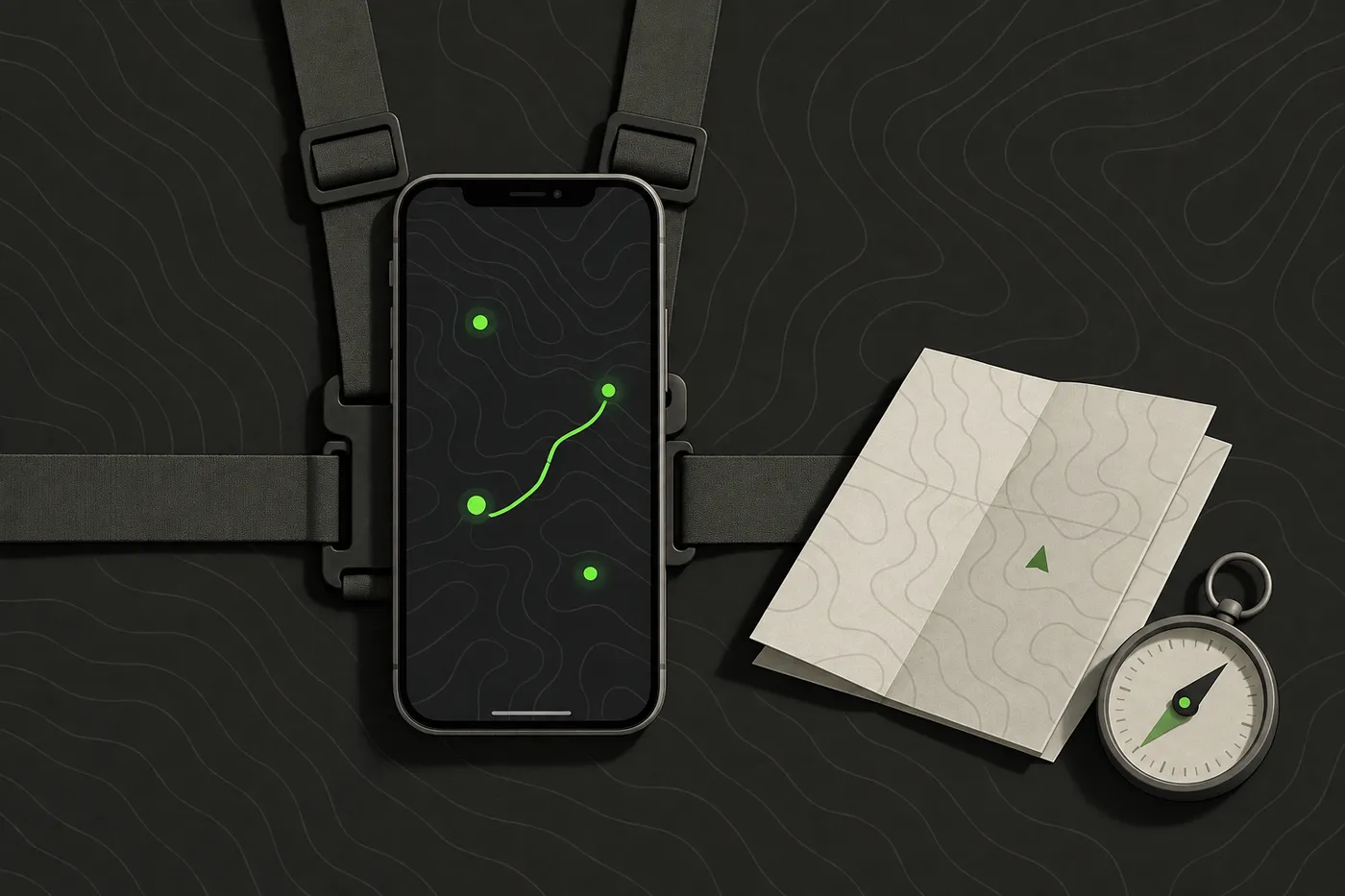
ATAK puts every connected team member’s position on one shared map and lets users drop markers, draw routes and message each other.[3] ATAK can use offline map data, so the map still works on a field with little or no phone signal.[3]
At a game, that changes the rhythm of comms. Instead of “we’re by the big tree, near the second barricade, I think”, the squad leader drops a marker and everyone sees it. What it is genuinely good at:
- Knowing where your own people are. Fewer friendly surprises at a corner, and no roll call over the radio.
- Marking objectives and hazards. A flag, a no-go zone or a medic point goes on the map once and stays there.
- Planning a route before a push. Draw it, brief it, then move.
- Playing where signal is poor. Downloaded maps keep the picture on screen in a forest or a quarry.
ATAK has a plugin architecture that lets developers add features.[1] That is where much of its depth comes from, and a good part of its learning curve, so most teams start with the map and add plugins only when a real need shows up.
In short: ATAK is a shared map with your team on it, plus a large toolbox of extras. The map is the part every team uses; the toolbox is optional.
Who uses ATAK, and why
US wildland fire agencies run their own TAK deployment, the Wildland Fire Team Awareness Kit (WFTAK).[4] A large incident has the same basic problem as a 200-player weekend op, with far higher stakes: many people, spread out, who all need to know where everyone else is.
The source code of ATAK-CIV was released on the US Department of Defense’s GitHub in August 2020.[1] Airsoft and milsim teams adopt it for the same core reason as the agencies do: knowing where everyone is without having to ask.
What you need to run ATAK
ATAK needs an Android phone or tablet running Android 5.0 or later.[3] On iPhone and iPad the equivalent is iTAK, a separate app for seeing your team’s locations on a shared map.[5]
TAK apps usually share data through a TAK server, software such as FreeTAKServer that someone has to install and run for devices running ATAK-CIV, WinTAK and iTAK.[6] In practice, somebody on your team becomes the server admin, and that person is now part of your comms plan.
| Piece | What it is | Who needs it |
|---|---|---|
| ATAK-CIV | The Android app | Every Android player |
| iTAK | The iPhone and iPad app | Every iPhone player |
| TAK server | Software that connects the team's devices | One person runs it for the whole team |
| Offline maps | Map data downloaded before the game | Anyone playing where signal is poor |
Budget an evening before the first game for map downloads, server details and getting every phone onto the same setup. Do it at home, not in the car park with twenty minutes to game on.
Do you need ATAK for airsoft or milsim?
It depends less on how serious your team is and more on who you need to share a map with. Two quick checklists:
ATAK is the better choice if:
- your milsim unit already trains with TAK and knows the tools,
- you want plugins, or
- organisers and other teams at your events run TAK and you need to share data with them.
A simpler tool is enough if:
- you play weekend skirmishes with a mix of iPhones and Android phones,
- nobody wants to run a server, and
- what your team needs is a shared live map, markers and chat that everyone can join in a minute.
That second case is the one we built Tacnav for: everyone joins a private session by scanning a QR code on iPhone or Android, with no server to run. It does not connect to TAK, so if TAK interoperability matters to your events, ATAK is the right tool. Tacnav is on the App Store, and Android is in closed beta (request Android access).
Bottom line: if your events already run on TAK, learn ATAK. If you just want your team on one map by Saturday, pick the simplest tool everyone can install.
Where to go next
If ATAK fits your team, start from the official ATAK-CIV listing on Google Play and the CivTAK community guides rather than third-party downloads. Get one person comfortable with it first, then bring the rest of the team over at a practice session well before game day.
Disclaimer: This guide is general information for airsoft, milsim and paintball games and for people learning about publicly available TAK software, not military, tactical or legal advice. Follow your field’s and event’s safety rules, marshal instructions and local law. ATAK, iTAK, WinTAK and TAK Server belong to their respective owners; Tacnav is independent, not affiliated with the TAK Product Center, and not compatible with TAK or Cursor on Target. App features and prices change, so check the official listing before you rely on one.
Sources
- Android Team Awareness Kit. Wikipedia, accessed Sep 25, 2026.
- Android Team Awareness Kit or ATAK / CivTAK. CivTAK, accessed Sep 25, 2026.
- ATAK-CIV (Civil Use). Google Play, accessed Sep 25, 2026.
- Wildland Fire Team Awareness Kit (WFTAK). US Forest Service, accessed Sep 25, 2026.
- iTAK. App Store, accessed Sep 25, 2026.
- FreeTAKServer Documentation. FreeTAKTeam, accessed Sep 25, 2026.
Frequently asked questions
Is ATAK free?
Yes. The civilian edition, ATAK-CIV, is listed on Google Play as a free download.
Can you get ATAK on iPhone?
No. ATAK needs an Android phone or tablet running Android 5.0 or later. On iPhone and iPad the equivalent is iTAK, a separate app.
Do you need a TAK server to use ATAK?
TAK apps usually share data through a TAK server, software such as FreeTAKServer that someone on the team has to install and run.
Is ATAK worth it for airsoft?
It is the better choice if your milsim unit already trains with TAK, wants plugins, or shares data with organisers on TAK. A weekend group with mixed phones that only needs a shared map, markers and chat can use a simpler tool.
Who makes ATAK?
ATAK was originally built for the US military and is now part of TAK, a suite of software maintained by the TAK Product Center.
Tacnav
Put your whole team on one live map.
Positions, markers, routes and chat in a private session. Join with a QR code, no server to set up.