ATAK for iPhone: what iTAK does and doesn't do

TL;DR
There is no ATAK for iPhone. The iPhone and iPad version of TAK is iTAK, a free App Store app from the TAK Product Center with a subset of ATAK's capabilities, and across a typical game site it shares positions through a TAK server someone has to run. Install iTAK if your team or event already runs TAK; if your mixed-phone group only wants one shared map, a simpler app with no server is usually faster.
Key takeaways
- ATAK is Android only; on iPhone and iPad the TAK app is iTAK
- iTAK is free on the App Store and requires iOS 17.6 or later on iPhone
- iTAK has a subset of ATAK's capabilities; ATAK's plugins are the biggest gap
- TAK Server is required unless every device is on a peer-to-peer network
- Pick iTAK if your events run TAK; pick a simpler no-server app for a mixed-phone skirmish group
On this page
There is no ATAK for iPhone. The iPhone and iPad version of TAK is iTAK, a free app with a subset of ATAK’s capabilities.[1][2] Install it if your team or event already runs TAK. If your mixed-phone group only wants everyone on one map, a simpler app with no server is usually the faster route.
Below is what iTAK does, what it leaves out, and what it takes to get a team of eight onto it.
Is there ATAK for iPhone?
ATAK itself is an Android app: the free ATAK-CIV listing on Google Play says ATAK requires Android 5.0 or later.[3] If you are new to ATAK itself, our plain-English guide to ATAK covers what it is and who uses it.
On iPhone and iPad the TAK app is iTAK, which tak.gov describes as having a subset of ATAK capabilities designed for Apple iOS phones and tablets.[1] iTAK is a free download on the App Store, where its developer is listed as the United States Department of the Army, TAK Product Center.[2]
It is not a new or experimental app. The Department of Homeland Security announced in April 2022 that a new iOS version of TAK was available as a free download on Apple’s App Store.[4]
When you search the App Store, check the developer line before you install: the official iTAK listing names the TAK Product Center.
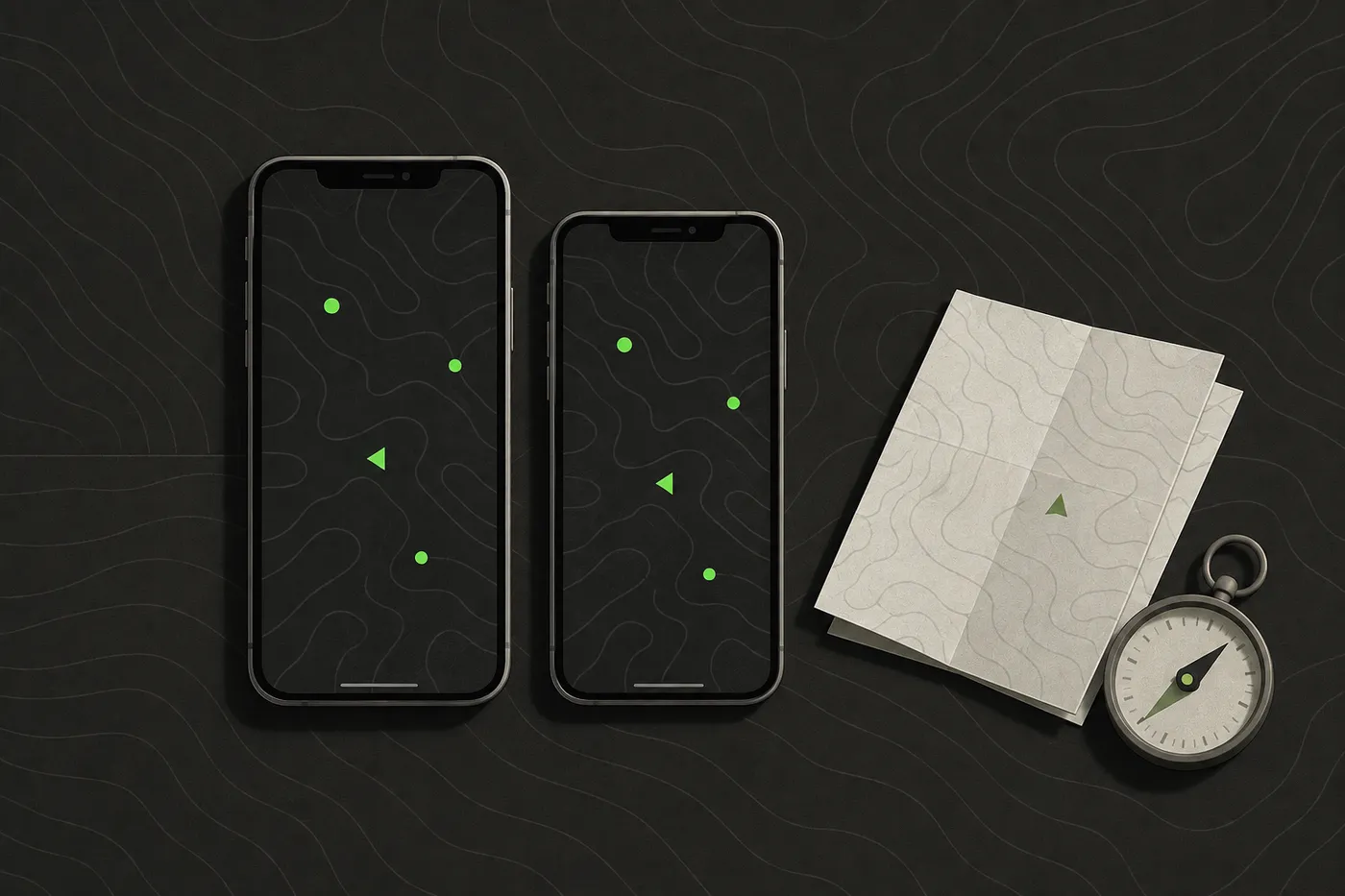
ATAK, iTAK and a simpler option at a glance
iTAK’s App Store listing says it requires iOS 17.6 or later on iPhone, and lists iPhone, iPad and Apple Watch as supported devices.[2] Check that before game day, because a teammate on an older iPhone that cannot update will not be able to install it.
Money is not the obstacle. tak.gov states that TAK baseline software, including the Android and Windows apps and TAK Server, is available from the US Government at no cost.[1] The real cost of TAK is setup time and someone willing to own it.
| Feature | ATAK-CIV | iTAK | Tacnav |
|---|---|---|---|
| Platforms | Android 5.0 or later | iPhone (iOS 17.6 or later), iPad, Apple Watch | iPhone, Android (closed beta), web command post |
| Setup needed | Install, download maps, connect to the team's server or network | Install, download maps, connect to the team's server or network | Install, scan the session QR code |
| Server required | Yes, unless every device is on a peer-to-peer network | Yes, unless every device is on a peer-to-peer network | No server to run |
| Price | Free on Google Play | Free on the App Store | See the App Store listing |
| Offline maps | Online and offline mapping | Online and offline mapping, downloaded in the app | No; needs mobile data (messages and markers queue in dead spots) |
| Plugins | Yes, plugin architecture | goTenna plugin integration listed | No |
| Works with TAK | Yes | Yes | No |
| Best for | Android users on TAK teams, plugin users | iPhone users on TAK teams | Mixed-phone groups that want one map fast |
What iTAK does well
iTAK’s listing describes a collaborative map app for seeing your team’s locations, sensor information, video and chat in real time, plus shared points and drawings.[2] iTAK supports online and offline mapping in most standard formats, and its listing says maps can be downloaded right in the app.[2]
At a Sunday skirmish or a weekend milsim, that covers what most squads want from a team map:
- Seeing your own people. No more roll call over the radio after every push.
- Marking things once. An objective, a medic point or an out-of-bounds edge goes on the map and stays there.
- A chat thread for the boring stuff. Regen times, who has spare batteries, where the squad regroups, all without clogging the radio channel.
- Maps that survive a dead spot. Downloaded maps keep the picture on screen in the corner of the wood with one bar.
iTAK’s App Store listing says it is compatible with the whole TAK ecosystem, including TAK Server, ATAK, WinTAK and WebTAK.[2] For an iPhone player whose team already runs ATAK, that compatibility is the whole point: iTAK puts them on the same map as the Android players.
What iTAK doesn’t do, and where ATAK is ahead
When DHS announced iTAK in 2022, it described the Android version, ATAK, as the most mature version of the application.[4] That matches what “a subset of ATAK capabilities” means in practice: iPhone players on a TAK team get the core map, but not everything the Android players have.
The biggest gap is extensions. ATAK has a plugin architecture that lets developers add functionality for specific uses, from disaster response to off-grid communications.[5] Much of ATAK’s depth comes from those plugins.
On the iPhone side, the extension that stands out in the release notes is a specific one. iTAK’s release notes list an integration with the goTenna Plugin, letting it connect to a goTenna network using goTenna Pro radios.[2]
What that means for a mixed team:
- Check the plugin before you promise it. If your unit leans on a particular ATAK plugin, confirm iTAK offers the same feature before telling iPhone players they are covered.
- Keep the essentials universal. Build the game plan around the map, markers and chat, which both apps share, rather than an Android-only extra.
- Give the TAK admin job to an Android user. Whoever sets up and troubleshoots the team’s TAK configuration will have the fuller toolkit on ATAK.
In short: iTAK gets an iPhone onto a TAK team’s map. It does not turn an iPhone into a full ATAK device.
Do you need a TAK server for iTAK?
This is where most “I installed iTAK and I can’t see anyone” questions come from.
tak.gov says TAK Server is required whenever TAK clients are not operating in a peer-to-peer network, or when mission data needs to be encrypted and stored.[1] iTAK’s release notes list UDP multicast support for peer-to-peer communication between individual callsigns, including chat and data packages.[2]
The peer-to-peer catch
So there is a server-free mode. In practice it works when every phone is on the same local network, such as one Wi-Fi hotspot in a small building. On a typical woodland site the phones are spread across the field on mobile data, and a team that wants live positions across the whole site ends up with a server.
The connection is what puts you on the map. The wildland fire WFTAK help page tells iTAK users their location is shared only while the app shows CONNECTED to the WFTAK server.[6] Your game works the same way: no connection, no dot on anyone else’s screen.
Who runs the server
Someone has to host it. FreeTAKServer is one TAK server option: its docs say it serves devices running ATAK-CIV, WinTAK and iTAK, with quick starts for DigitalOcean and a Raspberry Pi 4.[7] Either route means one person on your team now owns a small piece of IT, including when it stops working at 07:30 on game day.
Tip: if your event’s organisers already run a TAK server for players, ask them for connection details and a test window before the weekend. That saves your team building its own.
Setup and cost for a team of eight
Picture a typical squad of eight: five on Android, three on iPhone, playing a 12-hour milsim at a woodland site.
Getting them onto ATAK and iTAK:
- For a team of eight, one person installs and looks after the server, sends every phone its connection details, and tests the whole setup before game day.
- Android players install ATAK-CIV, iPhone players install iTAK, and everyone downloads the field’s maps at home rather than on one bar of signal in the car park.
- Each iPhone is checked for iOS 17.6 or later.[2]
- The squad runs a ten-minute test the week before: everyone appears on everyone’s map, and a marker dropped on one phone shows on the other seven.
- Callsigns and marker colours are agreed in advance, so the map reads the same way on every screen.
The apps cost nothing, but budget an evening for the admin and a server to keep running, whether that is a cloud machine or a Raspberry Pi in someone’s kit bag.
Getting them onto a no-server app is shorter: one person starts a session at the safe zone, the other seven join it, and the whole job is getting eight people to install one app before they arrive.
Which should your team use?
Choose iTAK if:
- your events already run a TAK server,
- Android teammates use ATAK and need to see you on their map, or
- you want goTenna radio support on an iPhone.
Choose ATAK on an Android device if you are the one setting up TAK for the team, or your group depends on plugins.
Choose a simpler app if:
- your group is a mix of iPhones and Android phones,
- nobody wants to run or maintain a server, and
- you need positions, markers and chat, with nothing that has to talk to TAK.
Tacnav is built for the simpler case: everyone joins a private session on iPhone or Android by scanning a QR code, with no server to run, and it does not connect to TAK. Organisers can follow the game from the web command post on a laptop. Tacnav is on the App Store, and Android is in closed beta (request Android access).
A mixed-phone skirmish group that only needs live positions, markers and chat rarely needs a TAK server, so pick the tool every player can install and join fastest.
Bottom line: if your team or event already runs on TAK, put iTAK on the iPhones and accept that it is the lighter client. If you only want everyone on one map by Saturday, you do not need TAK at all.
Disclaimer: This guide is general information for airsoft, milsim and paintball games and for people learning about publicly available TAK software, not military, tactical or legal advice. Follow your field’s and event’s safety rules, marshal instructions and local law. ATAK, iTAK, WinTAK and TAK Server belong to their respective owners; Tacnav is independent, not affiliated with the TAK Product Center, and not compatible with TAK or Cursor on Target. App features and prices change, so check the official listing before you rely on one.
Sources
- TAK.gov | Products. TAK Product Center, accessed Sep 25, 2026.
- iTAK. App Store, accessed Sep 25, 2026.
- ATAK-CIV (Civil Use). Google Play, accessed Sep 25, 2026.
- Feature Article: S&T's Team Awareness Kit Expands Its Reach. US Department of Homeland Security, accessed Sep 25, 2026.
- Android Team Awareness Kit. Wikipedia, accessed Sep 25, 2026.
- iTAK (Apple)/ATAK (Android). Wildland Fire Team Awareness Kit (WFTAK), accessed Sep 25, 2026.
- FreeTAKServer Documentation. FreeTAKTeam, accessed Sep 25, 2026.
Frequently asked questions
Can you get ATAK on iPhone?
No. ATAK is an Android app that requires Android 5.0 or later. On iPhone and iPad the TAK app is iTAK, which has a subset of ATAK's capabilities.
Is iTAK free?
Yes. iTAK is a free download on the App Store, where its developer is listed as the United States Department of the Army, TAK Product Center.
Do you need a TAK server for iTAK?
Usually. tak.gov says TAK Server is required whenever TAK clients are not on a peer-to-peer network. iTAK supports UDP multicast peer-to-peer, but on a typical woodland site with phones on mobile data, a team wanting live positions across the site ends up with a server.
What can't iTAK do that ATAK can?
iTAK has a subset of ATAK's capabilities, and DHS described ATAK as the most mature version. The biggest gap is plugins: ATAK has a plugin architecture, while iTAK's release notes list a goTenna Plugin integration.
Does iTAK work with ATAK?
Yes. iTAK's App Store listing says it is compatible with the whole TAK ecosystem, including TAK Server, ATAK, WinTAK and WebTAK, so iPhone players can share a map with Android players on ATAK.
Tacnav
Put your whole team on one live map.
Positions, markers, routes and chat in a private session. Join with a QR code, no server to set up.