Tactical Hand Signals for Airsoft and Milsim Teams

TL;DR
Tactical hand signals are a small set of rehearsed gestures for direction, stopping and rallying that a squad uses without speaking or keying a radio. They work with no device, no battery and no signal, so most teams keep a handful of them as a fallback even after adding a radio or a map app.
Key takeaways
- Hand and arm signals are a long-published military convention, first established for US Army use in Field Manual 21-60.
- FRS radios need no FCC license in the US, while GMRS does require one.
- A shared map app or ATAK adds range and a live picture, but needs a charged phone and a connection.
- ATAK is free as ATAK-CIV and is the right tool for TAK Server or plugin interoperability, which Tacnav does not support.
- Rehearse five or six core signals before game day so a squad can move, halt and regroup without a word.
On this page
Tactical hand signals are a small set of rehearsed gestures a squad uses to pass short messages, such as direction, a stop, or a rally point, without speaking or keying a radio. A team that has agreed on five or six of them can move, halt and regroup across a field without a word.
Here is what this guide covers:
- The main ways a team passes information: hand signals, a two-way radio, a phone-based map app, and ATAK.
- What changes once your team is on a shared map, and where hand signals still earn their place.
- A comparison across cost, battery, signal and setup.
- Practical advice for briefing signals that get used.
- Where to start, if you are setting this up from nothing.
Hand signals are a documented military communication method used when radio silence is in effect or troops need to remain undetected.[1] That is the whole case for keeping them in your own game, even once your team has a radio net or an app: they work when nothing else does, and they never give away a position with a transmission.
The main variants
Most airsoft and milsim teams end up using some mix of four things to pass information during a game. None of them replaces the others completely.
Hand signals
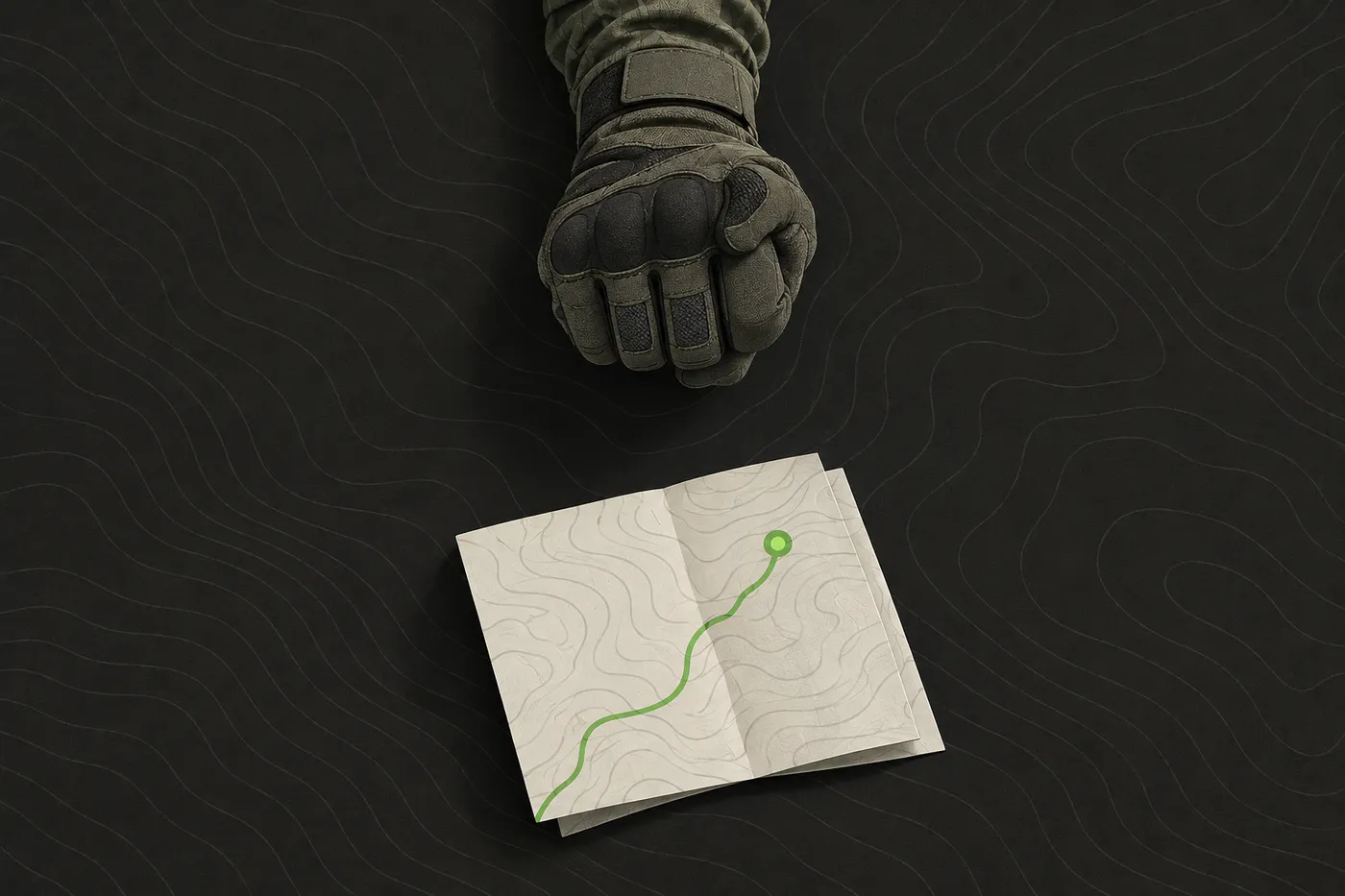
Hand and arm signals for US Army use are a long-published convention, first established in Field Manual 21-60.[1] That history is where most of the gestures airsoft and milsim groups use come from, usually trimmed down to a handful that cover stop, go, down, direction and rally. You do not need the full military list. A squad that has rehearsed five or six signals together is better off than one trying to remember thirty it only saw once at a briefing.
They need no device, work with no signal and no battery, and they only work at short range with line of sight. That makes them the fallback every team should have, used alongside a radio or an app rather than in place of one.
Two-way radios
A radio gives a squad voice range across a field that hand signals cannot reach. In the United States, FRS radios need no FCC license to operate, while GMRS does require one.[2] That difference decides which radio is worth buying for most teams starting out: FRS gets a group talking with no paperwork, GMRS needs a license first but usually buys more range and more channels. Outside the US, check your own country’s regulator before assuming the same rule applies. FRS vs GMRS: which radio service your airsoft team needs walks through the choice in detail, and Radio etiquette for airsoft and milsim: a field guide covers running the channel once you have one.
Team map apps
A phone-based team map app that works without a server gives a squad a shared picture of markers and live positions as an alternative to memorising a hand-signal vocabulary. Everyone sees where everyone else is without anyone describing a position over a channel. The tradeoff is that it needs a phone with charge and a connection, which hand signals and most radios do not.
ATAK and TAK Server
ATAK, the Android Team Awareness Kit, is a free geospatial and situational-awareness platform, available to civilians at no cost as ATAK-CIV.[3] If your team already runs a TAK Server, needs ATAK’s plugin ecosystem, or is coordinating with an agency already on TAK, ATAK is the right tool and it is a genuinely more capable one than a consumer map app for that job. If you just want your own squad on one shared map without running a server, that is a narrower problem, and TAK server and FreeTAKServer: does your airsoft team need one? walks through when the extra setup is worth it.
Running it on a shared map
Tacnav lets everyone in a private session see each other’s live position on one map, drop markers with icons and colours, and mark squads by colour-coded teams. Mentioning a rally point once as a marker replaces however many times someone would otherwise have to repeat a hand signal or a grid reference over the radio. The app is free on the App Store; Android access is by request while it is in closed beta.
It still needs mobile data to keep a team in sync. There is no offline map download, and messages or markers sent in a coverage gap queue on the phone until the connection returns. Hand signals do not have that problem, which is exactly why a squad on a shared map still wants a couple of them for the moment a phone dies or a dead zone swallows the connection.
ATAK and the rest of the TAK family share markers and positions between devices using the Cursor-on-Target (CoT) protocol.[3] That is a different ecosystem, built for TAK Server and agency interoperability, that a consumer map app does not plug into. Tacnav does not speak CoT and is not compatible with TAK or Cursor on Target; a team that needs that interoperability needs ATAK itself.
Comparison
Hand signals cost nothing, need no device or battery, and work in a dead zone with no signal, which is why most teams keep them as a fallback even after adopting a radio or an app. iTAK is the iOS counterpart to ATAK, carrying a subset of ATAK’s capabilities for Apple phones and tablets,[3] so an iPhone-only team is not locked out of the same TAK ecosystem an Android squad would be using.
| Method | Cost | Needs a device | Works with no signal | Best for |
|---|---|---|---|---|
| Hand signals | None | No | Yes | Short range, line of sight, staying quiet |
| FRS or GMRS radio | Radio hardware; GMRS adds a license fee | Yes | Yes (no cellular needed) | Whole-field voice calls |
| Team map app (Tacnav-style) | Free app | Yes, phone and mobile data | No, needs mobile data | A shared map and markers without running a server |
| ATAK-CIV | Free | Yes, phone or Android device | Peer-to-peer works offline; team-wide sync needs a connection | TAK Server interoperability, plugins, agencies already on TAK |
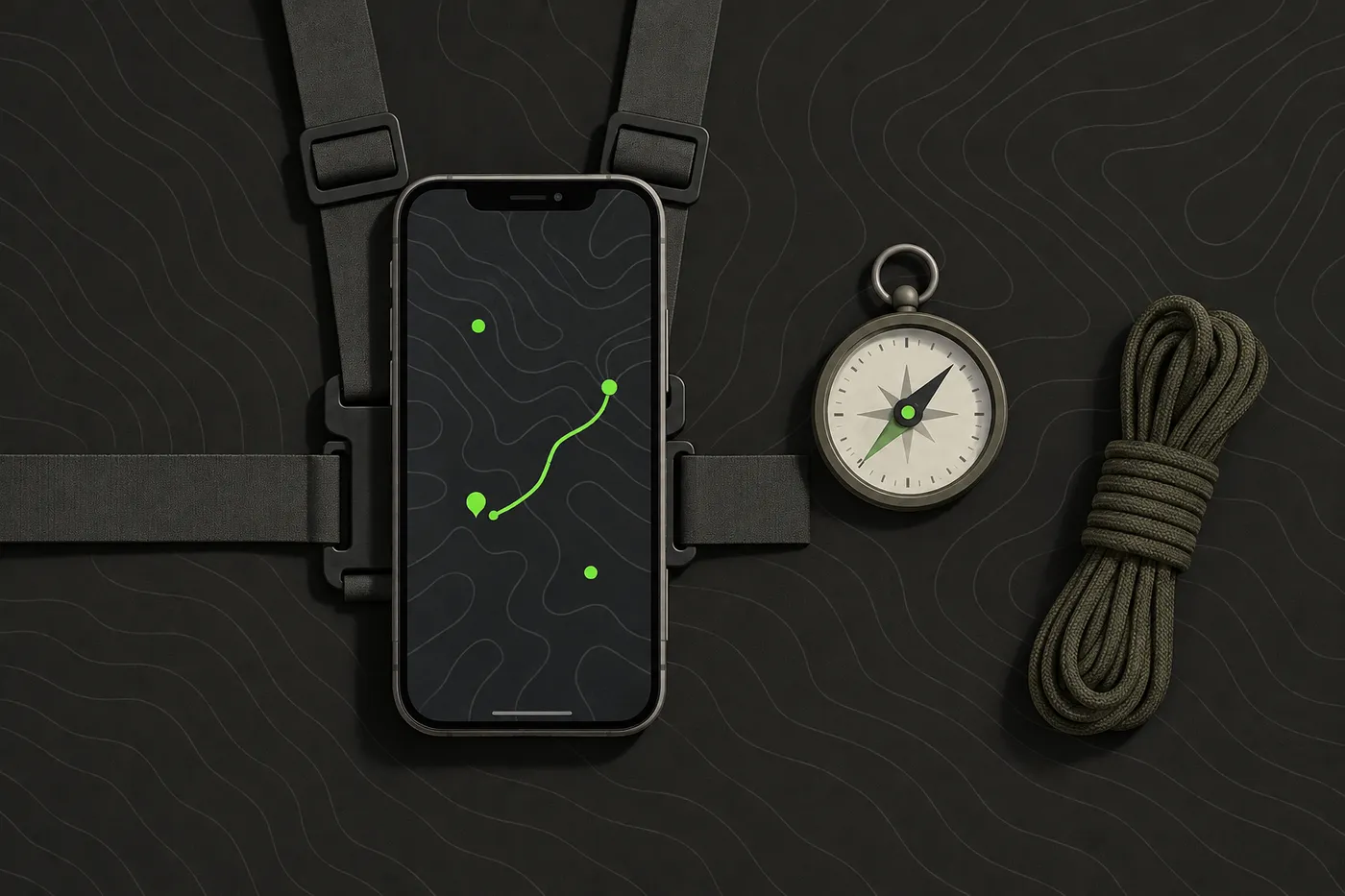
None of these four replace all the others. A well-run team usually ends up with at least two: hand signals for the quiet moments, and a radio or an app for everything else.
Practical tips
- Agree on a short core set of signals and walk through them at the safety brief before the game starts, rather than assuming everyone already knows the same gestures.
- Keep hand signals for short range and line of sight, and switch to radio or a map marker the moment a squad splits up or loses visual contact across the field.
- A rally point called out over radio still needs a hand signal or a map marker to back it up, because a shouted grid reference under pressure is easy to mishear.
- Rehearse in the week before game day, well ahead of the briefing. Five minutes in the car park beats a minute of silent pointing mid-game because nobody is sure what a gesture meant.
Bottom line: hand signals are the one method that never runs out of battery or signal. Pair them with a radio or a map app for everything they cannot cover at range.
Where to start
Start with five or six signals everyone can use without thinking: stop, go, down, rally, contact direction, and all clear, before adding a radio or an app on top. Tacnav includes a live demo session anyone can open from the app, which is a quick way for an organiser to see a shared map in action before deciding to add it to a game. Get the signals rehearsed first. Everything else is easier to layer on once a squad already moves together without having to shout about it.
Disclaimer: This guide is general information for airsoft, milsim and paintball games and for people learning about publicly available TAK software, not military, tactical or legal advice. Follow your field’s and event’s safety rules, marshal instructions and local law. ATAK, iTAK, WinTAK and TAK Server belong to their respective owners; Tacnav is independent, not affiliated with the TAK Product Center, and not compatible with TAK or Cursor on Target. App features and prices change, so check the official listing before you rely on one.
Sources
- U.S. Army hand and arm signals. Wikipedia, accessed Oct 12, 2026.
- Personal Radio Services. FCC, accessed Oct 12, 2026.
- Products. TAK.gov, accessed Oct 12, 2026.
Frequently asked questions
What are tactical hand signals used for in airsoft and milsim?
They let a squad pass short messages, such as direction, a stop, or a rally point, without speaking or keying a radio. Most teams trim the military list down to a handful that cover stop, go, down, direction and rally.
Do you need a license for a radio instead of hand signals?
In the United States, FRS radios need no FCC license to operate, while GMRS does require one. Outside the US, check your own country's regulator before assuming the same rule applies.
Is ATAK free?
Yes. ATAK, the Android Team Awareness Kit, is a free geospatial and situational-awareness platform, available to civilians at no cost as ATAK-CIV.
Does Tacnav work with ATAK or TAK Server?
No. ATAK and the rest of the TAK family share markers and positions using the Cursor-on-Target protocol, a different ecosystem built for TAK Server and agency interoperability. Tacnav does not speak CoT and is not compatible with TAK or Cursor on Target.
Can an iPhone-only team use ATAK?
Yes. iTAK is the iOS counterpart to ATAK, carrying a subset of ATAK's capabilities for Apple phones and tablets, so an iPhone-only team is not locked out of the same TAK ecosystem.
Tacnav
Put your whole team on one live map.
Positions, markers, routes and chat in a private session. Join with a QR code, no server to set up.